
8 Steps to Move Existing Investors Onto a New Investor Portal
 Jacob BlackettLast Updated: Nov 12, 2026
TL;DR
- Moving existing investors onto a new investor portal is a change every limited partner (LP) notices, and the switch goes well when investors hear about it first and find everything where they expect it.
- The eight steps are the announcement, the first login, documents and history carried over, tax documents easy to find, secure offering documents, follow-up with investors who have not logged in, the first distribution on the new portal and answers to the questions LPs will ask.
- The first distribution and the first Schedule K-1 season on the new portal are the moments investors judge the switch by, so both need testing before they happen.
- Every document an investor had before the switch should be in the new portal on the first login, filed under the investment it belongs to.
- SponsorCloud is an investor platform for commercial real estate sponsors with a branded investor portal and a data room on the same platform as its capital raising tools and K-1 workflows.
- This page covers the investor side of a switch. Data mapping and record reconciliation sit in a separate migration checklist.
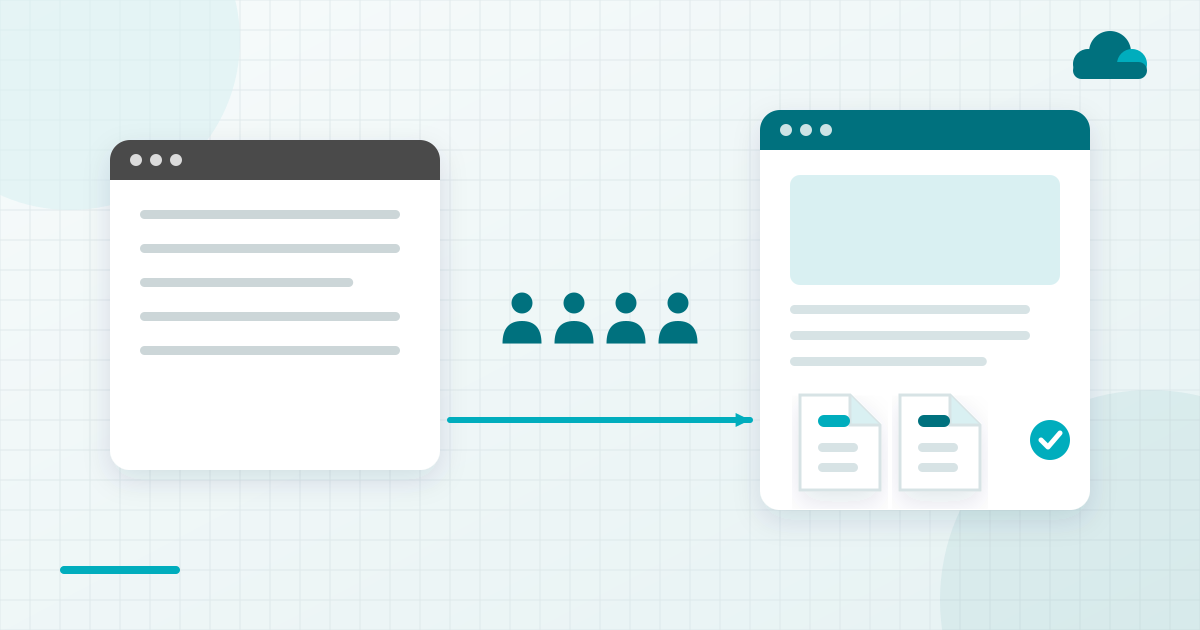
To onboard existing investors onto a new investor portal, announce the switch before any login goes out and keep the first login simple. Carry over every document and the history, file tax documents by year, secure offering documents, follow up with anyone not logged in, test the first distribution and prepare answers to the questions LPs will ask.
An investor portal is a secure website where a sponsor's limited partners (LPs) log in to see their investments, documents, distributions and tax forms. Moving existing investors onto a new one means each LP gets new access while keeping every document and record they had before.
What Changes for Investors When a Sponsor Switches Portals
A portal switch gives investors a new login and a new place for their documents at the same moment. LP portal and investor portal mean the same thing, and either way the change arrives with no context unless the sponsor supplies it. Investors judge a sponsor on every interaction, and a switch is a visible one.
The steps here cover what investors see and do. Moving the data itself belongs in a separate migration checklist.
The eight steps below were chosen against four tests. Each is something an investor sees or acts on, and each shapes how the investor judges the switch. Each can also be planned before the first invitation goes out, and each cuts support questions in the weeks after.
The table pairs each step with when it happens and what the LP sees.
| Step | When | What the LP Sees |
|---|---|---|
| Announce the switch | Before any invitation | Email from the sponsor |
| First login | Invitation day | One invitation, clear setup |
| Documents and history | First login | Full history by investment |
| Tax documents | Every tax season | Folders by year, then investment |
| Offering documents | Each new offering | Data room behind a login |
| Follow up on missing logins | After invitations | A personal reminder |
| First distribution | First payment date | Notice and payment as before |
| Answers to LP questions | With the announcement | Short FAQ in the portal |
Eight Steps to Move Existing Investors Onto a New Portal
Each step below follows the same order, with the sponsor's tasks first and the problem it heads off last.
Announce the Switch Before Anything Changes
The announcement matters before any investor receives a login invitation. Send it under the sponsor's name and say what is changing and when. Make clear the investment itself stays the same.
How to Do It. Write the announcement before invitations are scheduled.
- Send it from an address investors already know.
- Name the new portal and the date invitations go out.
- State that investments and payment schedules are unchanged.
- Include a short FAQ and a contact for questions.
Where It Goes Wrong. An invitation from an unfamiliar address with no warning reads like phishing to a careful investor. Some ignore it, and others email the team to ask if it is real.
Make the First Login Simple
The first login matters on invitation day, when an investor either gets in or writes to the team. Send one invitation per investor, with a short path to set a password and any second-factor step explained in plain words.
How to Do It. Set up every account before invitations go out.
- Set up joint and entity investors correctly first.
- Explain two-factor authentication in plain words in the invitation.
- Add a help contact to every invitation.
Where It Goes Wrong. Investors stuck at the first login email the team with questions the invitation could have answered. An entity investor set up under one person's name may also see the wrong investments.
Carry Over Documents and Investment History
Carried-over history matters on the first login, when investors look for what they had before. The full history, from signed documents to past K-1s, should be filed under the investment it belongs to.
How to Do It. Check what investors will see before inviting them.
- Open a handful of real investor views in a test login.
- Confirm each investment shows its documents and distribution history.
- Fix any gap before invitations go out.
Where It Goes Wrong. An investor who finds a gap emails to ask about it. The record checks behind the move belong to the migration plan, and this step covers only what the investor sees.
Put Tax Documents Where Investors Expect Them
Tax documents matter every tax season, and the first season on the new portal draws the most attention. File them by year and then by investment, with every prior year carried over.
How to Do It. Set the folder structure once and keep it.
- File tax documents by year, then by investment.
- Carry over every prior year from the old portal.
- Send a notice with a direct link when a new K-1 posts.
Where It Goes Wrong. Investors look for tax documents at the same point every year, so a structure that changes each season sends them to the inbox. A K-1 posted with no notice can go unseen until the investor asks.
Share Offering Documents Securely
Offering documents matter whenever the sponsor opens a new deal to existing investors. Keep them behind a login in a data room, with access set for each investor or prospect who should see them.
How to Do It. Set access before sharing anything.
- Keep offering documents in the data room and out of email attachments.
- Set access per investor or prospect.
- Ask whether the data room records who opened each document.
Where It Goes Wrong. Offering documents sent as attachments can be forwarded with no record of who saw which version.
Follow Up with Investors Who Haven't Logged In
Follow-up matters once the invitations have gone out and the first logins come in. Check who has accepted the invitation and send a personal reminder to anyone who has not.
How to Do It. Work from the list of investors not yet in.
- Check invitation status for every investor.
- Send a personal reminder with a phone number for help.
- Keep a short call list for investors who prefer to talk.
Where It Goes Wrong. Some investors wait for a person to ask. Left alone, they first meet the new portal when a K-1 arrives, a bad time for a login problem.
Run the First Distribution on the New Portal
The first distribution after the switch is the moment investors judge it by. Test the distribution notice and the investor view on a real record before the payment date.
How to Do It. Rehearse the payment on the new portal first.
- Check that payment details carried over for every investor.
- Preview the distribution notice as an investor sees it.
- Tell investors ahead of time that their payment details carried over.
Where It Goes Wrong. A payment that arrives late right after a switch gets blamed on the new portal. Investors remember whether distributions arrived on time.
Prepare Answers to the Questions LPs Will Ask
Prepared answers matter from the announcement onward, and they reduce inbound support questions. Investors ask why the switch is happening, where old documents went, whether payment details carried over and who to call.
How to Do It. Write the answers once and post them where investors look.
- Put a short FAQ in the announcement email.
- Post the same FAQ inside the new portal.
- Give the investor relations (IR) team the same answers for calls.
Where It Goes Wrong. With no posted answers, the IR team handles the same questions one email at a time. Answers in the portal are easy to point to when the next email arrives.
How to Make Tax Documents Easy for Investors to Find
Making tax documents easy for investors to find starts with a fixed folder structure, by tax year and then by investment. Prior years carried over from the old portal let an investor see their whole tax history in one place.
K-1 season is when investors notice a portal most. Name each file with the investment and the tax year, so a downloaded K-1 still makes sense on the investor's own computer or in their accountant's inbox. This section is general guidance and is not tax advice.
How to Share Offering Documents Securely
Sharing offering documents securely means keeping them in a data room behind a login, with access set per investor or prospect. A private placement memorandum sent as an attachment leaves no record of who read it.
Many data rooms record who opened each document, which helps when an investor asks what they were sent. Version control matters too, since an updated memorandum should replace the earlier one for everyone with access. Counsel should confirm the rules that apply to a particular offering, and this section states none.
How to Plan the Move to Your New Investor Portal
Planning the move to a new investor portal starts with the investors. LPs remember how a raise and the years after it were run, so plan the eight steps before the first invitation goes out. A switch is a real cost for the team and for investors, and the announcement should say so plainly.
SponsorCloud is an investor platform for commercial real estate sponsors. Its branded investor portal and data room sit on the same platform as the Growth Suite capital raising customer relationship management (CRM) system and its K-1 workflows. I built the platform that became SponsorCloud to solve my own operating problems while running raises, then opened it to other general partners (GPs).
Sponsors can see SponsorCloud's investor portal software, and read about its investor onboarding software and investor communication software for the announcement. To plan a switch around your own investors, schedule a consultation with SponsorCloud.
FAQs
How Do You Onboard Existing Investors Onto a New Portal?
Announce the switch to investors before any login invitation goes out, then send one simple invitation to each investor. Make sure every past document and K-1 is in the new portal on the first login. Follow up personally with investors who have not logged in, and test the first distribution notice before the payment date.
What Is an LP Portal in Real Estate?
An LP portal is a secure website where a real estate sponsor's limited partners log in to see their investments. Investors find their documents and tax forms there, usually under the sponsor's brand. LP portal and investor portal mean the same thing, and the portal is one surface of a wider investor platform.
How Do You Make Tax Documents Easy for Investors to Find?
File tax documents by year and then by investment, with every prior year carried over from the old portal. Send a notice with a direct link when a new K-1 posts, and keep the folder structure the same each season, since investors look at the same time every year. This answer is general and is not tax advice.
How Can a Sponsor Share Offering Documents Securely?
Keep offering documents in a data room behind a login, with access set for each investor or prospect who should see them. Many data rooms also record who opened which document, which helps when an investor asks what they were sent. Check the requirements that apply to your offering with counsel, since this answer is general.
What Questions Do Investors Ask When a Sponsor Changes Portals?
Investors usually ask why the switch is happening and where their old documents went. They also ask whether their payment details carried over and who to call for help. Answer those questions in the announcement and in a short FAQ inside the new portal, so the investor relations team hears them less often.
How Long Should a Sponsor Keep the Old Portal Open?
Keep read access to the old portal until investors have logged in to the new one and the first distribution has run on it, if the old vendor allows that. Tell investors the date old access ends in the announcement and again in a reminder. Every document they need should already be in the new portal by then.

Jacob Blackett
CEO and Co-Founder, SponsorCloud
Jacob Blackett is the CEO and co-founder of SponsorCloud. He raised capital and ran commercial real estate as a sponsor before he built software for other sponsors, and he still manages funds today. He built the platform that became SponsorCloud to solve problems in his own raises, tested it against real capital and real deadlines across his own portfolio, and then opened it to other GPs.
Related Signals
8 Documents to Put in Your Data Room Before a Real Estate Raise
Jacob BlackettThu, Nov 12, 2026
6 Things Sponsors Should Know About the Section 754 Election
Jacob BlackettWed, Nov 11, 2026
6 Rules for Texting Investors During a Real Estate Capital Raise
Jacob BlackettTue, Nov 10, 2026